📚 Related Guides: Google AdSense Approval Requirements 2026 | AdSense Approval Fast Checklist | Top 10 High CPC Niches for 2026 | Website Cost in India 2026 | 🚀 Get an AdSense Approved Website
⭐ Direct Answer: What is RPM and How Can You Improve It?
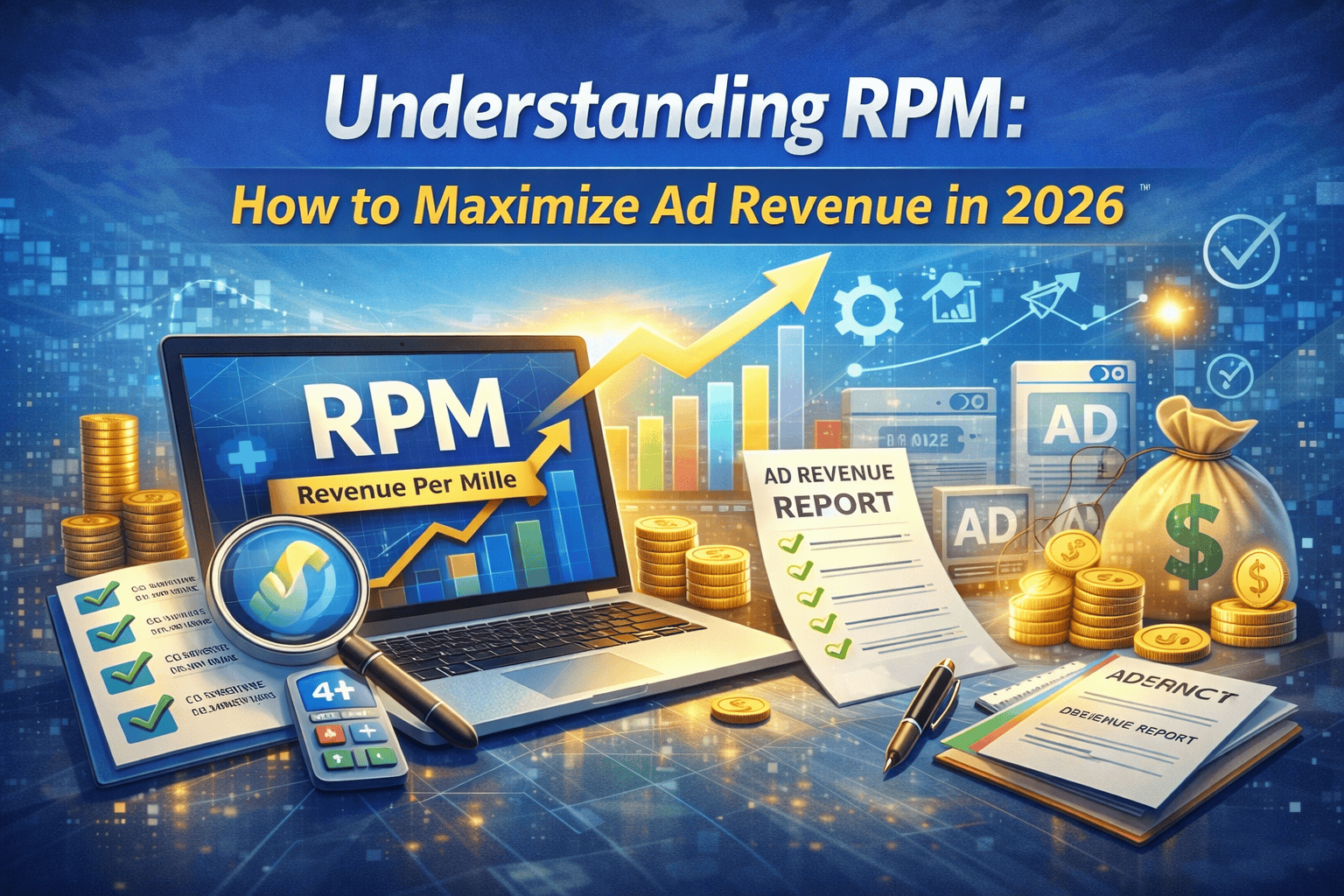
RPM (Revenue Per Mille) is how much you earn for every 1,000 pageviews on your website. Formula: (Total Earnings ÷ Total Pageviews) × 1,000. A good RPM for a developer blog is $6–$15. To improve RPM: switch to premium ad networks (Ezoic, Mediavine), optimize ad placement (especially after first paragraph), target US/UK traffic, improve page speed, and block low-paying ad categories. Most publishers can double their RPM within 3-6 months without increasing traffic.
⚠️ Most publishers lose 50-70% of potential ad revenue because they never optimize beyond basic AdSense placement. This guide fixes that.
⭐ Key Takeaways – Quick Summary (30-Second Read)
- RPM formula: (Earnings ÷ Pageviews) × 1,000
- Developer blog RPM range: $8 – $22 (US/UK traffic)
- Highest paying niches: Insurance ($35–$70), Legal ($30–$60), Finance ($18–$40)
- Ad network progression: AdSense (0-10k sessions) → Ezoic (10k-50k) → Mediavine/AdThrive (50k+)
- Single biggest lift: Moving from AdSense to a premium network (2-3x RPM increase)
- Best ad placement: In-content, after first paragraph (highest CTR)
- Q4 opportunity: RPM can double in Oct-Dec due to advertiser budgets
1. Why I Started Obsessing Over RPM (And You Should Too)
Three years ago, I was running a developer blog that pulled in around 40,000 pageviews a month. I was proud of the traffic. But when I checked my AdSense earnings, I wanted to cry — $38 for the whole month. That's when a friend pointed out something that changed everything: "You're chasing pageviews. Chase RPM instead."
That one shift in thinking took my monthly earnings from $38 to over $300 within six months — without adding a single extra visitor. Same traffic, completely different revenue. This guide is everything I learned along the way, written honestly, without the fluff you get from generic "make money online" articles.
Whether you're asking what is RPM in Google AdSense, trying to figure out why your page RPM is stuck at $2, or seriously looking to increase your AdSense RPM as a developer blog owner — you're in exactly the right place.
2. What Is RPM in Google AdSense? (The Honest Explanation)
RPM stands for Revenue Per Mille — "mille" being Latin for thousand. In AdSense terms, your Page RPM tells you how much money you're earning for every 1,000 pageviews your site receives.
The formula is straightforward:
Page RPM = (Total Estimated Earnings ÷ Total Pageviews) × 1,000
So if your blog earned $25 from 12,500 pageviews last week, your RPM works out to $2.00. That's not terrible for a brand new site, but it's not great either — and it's very fixable.
Here's what most guides don't tell you: RPM isn't a single number you can just "improve." It's the result of several things working together — or against each other. Your niche, your audience's location, how your ads are placed, which network you're using, and even the time of year all feed into that final RPM figure. Understanding which lever to pull first is where most publishers get it wrong.
3. 📊 Real RPM Benchmarks by Niche (2026 Data)
One of the most common questions I get from fellow developer bloggers is: "Is my RPM normal?" The honest answer is — it depends heavily on your topic. Here are realistic RPM ranges based on actual publisher data from networks like Mediavine, Ezoic, and AdThrive, plus my own experience managing content sites:
| Niche | Typical RPM (USD) | Why It Pays This Much |
|---|
Note: These figures assume primarily US/UK/Canadian traffic. Indian, Southeast Asian, and African traffic typically earns 60–80% less per impression — something developer bloggers in those regions feel acutely.
4. 🧩 The 7 Things That Actually Control Your RPM
I spent a long time thinking RPM was some mysterious number AdSense decided for me. It's not. Once I understood these seven factors, I could actually engineer a higher RPM rather than just hoping for it.
- Your niche and what advertisers are willing to pay: A blog about car insurance will always beat a blog about free JavaScript tutorials in raw RPM terms. Advertisers pay more to reach people who are about to spend money. If you write developer content, the good news is your audience has purchasing power — they buy tools, courses, and software. Lean into that with your content angles.
- Where your readers come from: US traffic is worth roughly 5–10x what equivalent traffic from India or Pakistan earns. This isn't a judgment — it's just how advertiser budgets are allocated geographically. If you're targeting US developers, you need content that ranks for US-intent searches.
- Desktop vs mobile: Desktop users tend to generate higher RPM because they see more ad formats and have longer sessions. But ignoring mobile is suicidal — over 60% of web traffic is mobile. The answer isn't to choose one, it's to make sure your ad placements work well on both.
- Ad placement and viewability: An ad that nobody scrolls to is worth nothing. Viewability — the percentage of your ad impressions that are actually seen — directly affects what advertisers pay. Aim for over 70% viewability on your key placements.
- Which ad network you're using: AdSense is the starting point, not the destination. Premium networks like Mediavine and AdThrive typically pay 2–3× more for the same traffic once you qualify. Ezoic is a solid middle ground for growing sites.
- Time of year: Q4 (October through December) is when advertisers spend the most. RPM can double or even triple in November and December compared to January. If you're not publishing aggressively going into Q4, you're leaving real money behind.
- How engaged your readers are: Ad networks have gotten smart about quality signals. If your users bounce in 10 seconds, networks serve cheaper ads. If they read for 4 minutes and visit three pages, networks see your inventory as premium. User experience isn't just good ethics — it's good revenue strategy.
5. ⚙️ How to Increase Page RPM — 8 Strategies That Actually Work
These are the specific changes I made, or have seen other publisher friends make, that moved the RPM needle. Not theory — actual tactics.
1. Stop Using Only AdSense if You've Outgrown It
AdSense is genuinely the right starting point. It's easy to set up, Google handles everything, and for sites under 10,000 monthly sessions it's often the best option available. But once you're consistently hitting 25,000+ sessions a month, you should be testing alternatives.
- Under 10k sessions/month: AdSense or Ezoic (no minimum traffic requirement). Focus on your content and basic placement.
- 10k–50k sessions/month: Ezoic's AI-driven optimization can genuinely beat manual AdSense. Mediavine requires 50k sessions (previously 25k in some cases). Worth applying.
- 50k+ sessions/month: Mediavine, AdThrive, or Raptive. These are the premium tier and the RPM jump is dramatic — often $15–$30+ versus $5–$8 on AdSense.
2. Put Your Best Ad Placement After the First Paragraph
I've tested this across multiple sites consistently — the ad placed immediately after the first paragraph of a post almost always has the highest CTR. Readers are engaged, they've read something useful, and they haven't developed "ad blindness" yet. If you're only running ads in your sidebar and footer, you're missing your most valuable real estate.
3. Make Your Content Worthy of Premium Advertisers
This one sounds vague but it isn't. AdSense uses contextual signals to decide what ads to serve on your pages. If your article is thin, poorly structured, or lacks authority signals (author bio, sources, internal links), Google may serve lower-value PSA (public service announcement) ads — which pay essentially nothing. A well-structured, comprehensive piece on a commercial topic attracts commercial advertisers. It really is that direct.
4. Improve Your Time-on-Page
Every extra minute a reader spends on your page increases the likelihood of an ad impression and a click. Tactics that genuinely work: adding a table of contents for long articles, breaking up walls of text with subheadings and tables, embedding relevant videos, and ending sections with a clear reason to keep reading. Internal links to related posts also keep users on your site longer.
5. Target US/UK Search Intent Specifically
If you're writing developer content, write tutorials and guides that solve problems US developers are actively Googling. "How to deploy a Next.js app to Vercel" will attract a more commercially valuable audience than "basic HTML tutorial." The intent signals to advertisers that your readers are active, tech-buying professionals.
6. Try Header Bidding
Networks like Ezoic and Mediavine run header bidding behind the scenes — multiple ad exchanges compete in real-time for your impressions, and the highest bidder wins. This alone typically increases RPM by 20–40% compared to running a single network. If you're still serving ads from just one source, you're probably leaving that kind of money on the table every single day.
7. Block Low-Paying Ad Categories
Inside your AdSense dashboard, under "Brand Safety," you can block entire ad categories. Common low-payers worth blocking: political ads (outside election season), low-quality download sites, and PSA categories. You may see a small drop in fill rate, but the average CPC on remaining ads typically rises enough to more than compensate.
8. Publish Hard in Q4
I cannot stress this enough. October, November, and December are when advertiser budgets peak. If you publish your best, most comprehensive content going into Q4 — especially content targeting purchase-intent keywords — you will earn disproportionately more than the same content published in January. Plan your content calendar around this.
6. 📈 A Real Story: From $2.10 RPM to $11.40 RPM on a Dev Blog
A developer I know runs a WordPress plugin tutorials blog — genuinely good content, clean design, about 35,000 monthly sessions. His RPM was stuck at $2.10 for over a year. Here's exactly what he changed over four months:
- Moved from AdSense to Ezoic, which used machine learning to test ad placements automatically.
- Added an in-content ad unit after the first paragraph on all posts.
- Rewrote his top 10 posts to be more comprehensive, added author bio sections, and linked to authoritative sources.
- Shifted his content strategy to target more "best plugin for X" and "how to fix X in WordPress" queries — searches with clear commercial intent.
- Blocked the "free software" and "political" ad categories in his network dashboard.
Four months later, his RPM was $11.40. Same traffic. Same niche. Just smarter monetization. That's the power of understanding RPM instead of just pageviews.
Ready to Earn More From Your Website?
Stop leaving money on the table. Get an AdSense-approved, high-RPM website built by experts who understand both development and monetization.
🌐 Get Your AdSense-Ready Website →
Custom-built websites · AdSense approval support · Mobile-first · Fast loading
7. ❌ 5 Mistakes That Are Silently Killing Your RPM Right Now
I've made most of these myself. Some of them took me embarrassingly long to figure out.
- Too many ads above the fold: Google actively penalizes sites where ads dominate the top of the page before content starts. It hurts both your ad quality score and your organic rankings. One well-placed ad above the fold is plenty.
- Treating mobile as an afterthought: If your ads overlap your content on mobile, or your layout breaks on smaller screens, you're actively losing money from the majority of your visitors. Test your site on a real phone, not just browser dev tools.
- Never checking your invalid traffic rate: If bots or click farms are hitting your site, AdSense will reduce your RPM as a protective measure — or suspend your account entirely. Check your traffic sources regularly in Google Analytics and block suspicious referrers.
- Ignoring page speed: A one-second delay in page load can reduce conversions by 7%. For ads, it means impressions don't register before users bounce. Run your site through PageSpeed Insights monthly and actually fix what it tells you.
- Never testing ad placements: Most publishers set up ads once and never touch them again. The best-performing placement on your site three years ago may not be the best one today. Run experiments, track results, and keep iterating.
8. ❓ Your RPM Questions — Answered Honestly
What is a good RPM for a developer blog?
Honestly, anywhere between $6 and $15 is solid for a developer or coding blog using AdSense, assuming mixed US and international traffic. If you're consistently above $15, you're doing well and probably ready to look at premium networks. Under $4 suggests there are structural issues worth investigating — placement, content quality, or traffic geography.
Why does my RPM fluctuate so much day to day?
This is completely normal. Advertisers set daily budgets that run out, campaigns pause on weekends, and real-time bidding prices shift constantly. Don't read too much into daily swings — look at weekly and monthly averages instead.
Does more traffic automatically mean higher RPM?
No, and this is the crucial misconception. More traffic means more total revenue potential, but RPM is a rate — earnings per 1,000 pageviews. You can have 500,000 monthly pageviews and a $1.50 RPM, or 20,000 pageviews and a $25 RPM. Focus on the rate, not just the volume.
Can I increase RPM without changing my content?
Yes, to a point. Better ad placement, switching networks, blocking low-paying categories, and improving page speed can all lift RPM without touching your actual articles. But the biggest long-term gains come from creating content that attracts higher-paying advertisers — which does mean thinking about content strategy.
Is Ezoic or AdSense better for a new developer blog?
For a brand new site under 10,000 monthly sessions, AdSense is simpler and fine to start with. Once you're past 10,000 sessions, Ezoic's automated testing and header bidding typically outperform manual AdSense by a meaningful margin. Many developers make the switch around the 15,000–20,000 sessions mark and see an immediate RPM improvement.
What's the difference between RPM and CPM?
CPM (Cost Per Mille) is what advertisers pay per 1,000 ad impressions. RPM (Revenue Per Mille) is what you as the publisher actually receive per 1,000 pageviews, after the network takes its cut. A page might have multiple ad slots, so your RPM and the CPM of individual ad units won't match directly — RPM is the more useful metric for publishers tracking overall site performance.
9. 🏆 Your RPM Growth Roadmap — Where to Start Based on Your Stage
| Your Stage | Monthly Sessions | Priority Actions | Realistic RPM Target |
|---|---|---|---|
| Getting Started | 0 – 10k | Set up AdSense properly, in-content placement, focus on US-intent content | $3 – $8 |
| Growing | 10k – 50k | Test Ezoic, improve page speed, block low-paying categories, target Q4 | $8 – $18 |
| Scaling | 50k – 150k | Apply to Mediavine/AdThrive, add video ads, explore direct sponsorships | $15 – $35 |
| Authority Site | 150k+ | Header bidding, direct ad deals, premium network + affiliate hybrid | $25 – $60+ |
RPM improvement isn't a single action — it's a series of compounding decisions made consistently over time. The developers who earn the most from their blogs aren't necessarily the best writers or the ones with the most traffic. They're the ones who treat monetization as a craft worth learning.
10. Final Thoughts: Treat Monetization as a Craft
If you take away one thing from this guide, let it be this: pageviews are vanity, RPM is sanity. You can spend years chasing traffic and still earn pocket change. Or you can learn the mechanics of ad monetization, optimize systematically, and turn a modest audience into a meaningful income stream.
The strategies here work — I've seen them work for dozens of publishers, from developer blogs to niche review sites. But they only work if you actually implement them. Pick one tactic from the strategies section today. Just one. Apply it. Measure the result. Then pick another. That compounding effect is how you go from $38/month to $300/month without changing your traffic volume.
And if you're starting from scratch or your current website isn't built for monetization, consider getting a website that's AdSense-ready from day one. The foundation matters more than most people realize.
Need a Website That Gets AdSense Approved Fast?
We handle everything — from building your site to making sure it meets Google's AdSense policies so you can start earning sooner.
In simple terms: RPM shows how much you earn per 1,000 visitors — and improving it means earning more without increasing traffic.
👋 About the Author
This guide is written by the team at ICT Solutions, a Chennai-based web development and monetization agency. We've built and optimized over 250+ websites for publishers, small businesses, and developers — with a specific focus on AdSense approval and RPM optimization. Our experience comes from running our own content sites and working with clients across India, US, and UK markets.
This RPM guide is updated monthly based on real publisher data, network changes (AdSense, Ezoic, Mediavine), and 2026 advertiser trends. If you have specific questions about your site's RPM, WhatsApp us — we're happy to take a quick look.
📚 Sources & Further Reading
- Google AdSense Help: Understanding Page RPM
- Mediavine: RPM Calculator and Publisher Benchmarks
- Ezoic: How to Increase Your Site RPM
- WordStream: Average CPC by Industry 2026
- Innovative Code Tech: AdSense-Approved Website Service
Last updated April 2026. RPM figures are estimates based on available publisher data and will vary based on your specific niche, audience, and implementation. Always test changes on your own site before drawing conclusions.